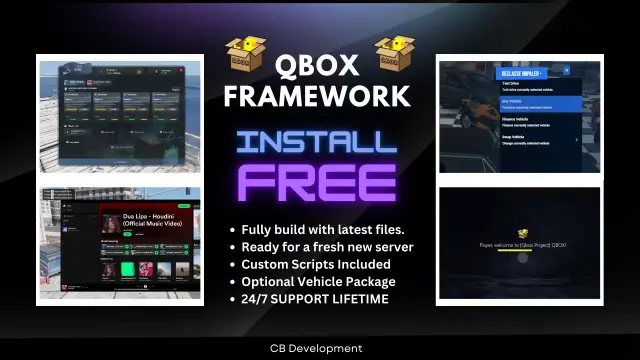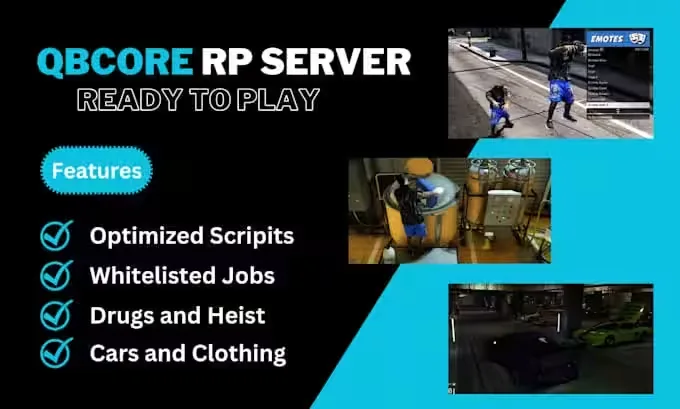
QBCore Framework V8
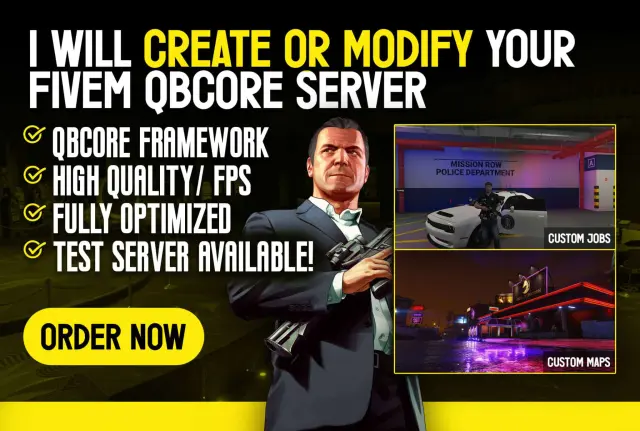
A complete QBCore Framework V8 roleplay server, built by a developer with years of experience and over 500 clients served. You get premium scripts and custom jobs already set up, not a bare framework you have to fill in yourself.
Civilian life that keeps players busy
The package ships with a full set of civilian activities beyond the usual jobs:
- Hunting
- Skydiving
- Treasure hunting
- Pizza delivery
- Trucking
- Drug burners and drug runs
- Heists
400+ vehicles, TOS compliant
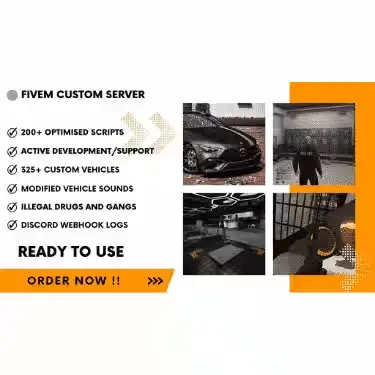
The vehicle pack includes over 400 vehicles, with 50+ police cars for your PD fleet. Vehicles and clothing are fully compliant with Rockstar's TOS, so you are not putting your server at risk to get a stocked garage.
Built on open-source QBCore
Everything runs on the open-source QBCore framework under the GNU General Public License. That means a maintained, widely documented base underneath the custom work, and no lock-in to a closed core.
Order now and launch your QBCore Framework V8 roleplay server with the jobs, activities and vehicles already in place.
Product information
Compatibility, delivery and setup
Check these listing details against your server before checkout. The documentation supplied with the download is the source of truth for exact dependencies, file names and configuration.
Compatibility
- Resource type
- FiveM script
- Category
- FiveM Readymade Servers
- Creator
- Not listed
Order details
- Price
- $110.00
- Delivery
- Unique download link sent by email after checkout
- Sold by
- CFX Tebex Store Official
- Updates
- Lifetime updates included
Installation checklist
Start with the files and readme included with this product.
-
Match the requirements
This listing names qbcore, qbox support. Check the description and readme for required inventory, target, library, database or map resources.
-
Keep the supplied names and order
Do not guess or rename the resource folder. Use the dependency order, config values, SQL and item definitions supplied in the download when they are present.
-
Start it after its dependencies
Upload the folder to
resources/, then addensure <download-folder>toserver.cfgusing the exact downloaded folder name. -
Test before going live
Start it on a development server, check the console for missing dependencies, then test every action described on this page with the integrations used by your live server.
Write a review
Reviews are moderated before appearing. Purchased the product? Your review gets a VERIFIED badge automatically.
![QBCore Framework V7 [NoPixel 4.0] FiveM Script](/uploads/card/84a71562889ba86fc8a5c0f594bd8abb.webp)