QBCore Framework V1, a full qb-core server build
This is a complete qb-core based framework packed with customized scripts. Not a bare framework install, a fully built and ready made qb-core server you can put in front of players.
Economy and legal work
- PDM V3 with MLO: player owned dealership
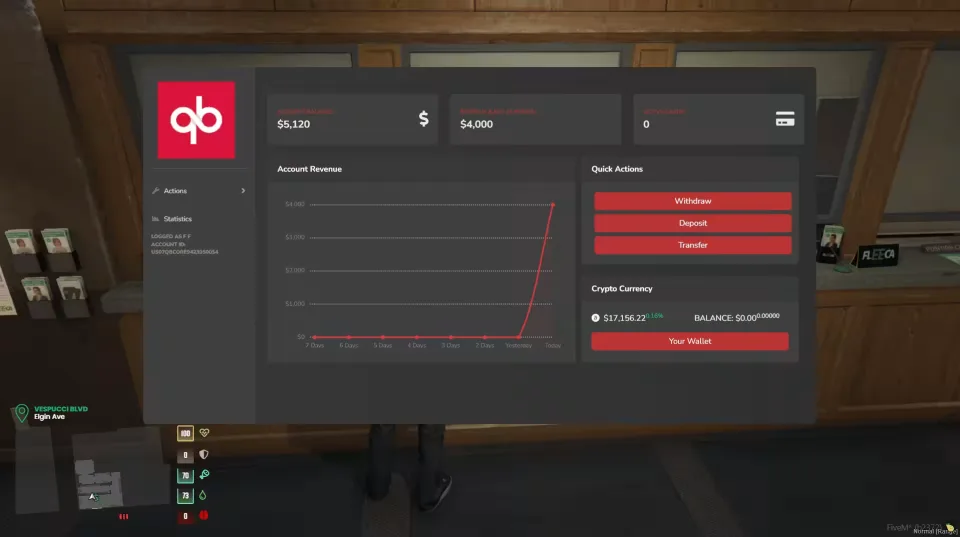
- Fully custom bank: debit cards, savings account, crypto and much more
- Full casino: Blackjack, Slots, Roulette, Poker and Lucky Wheel v2
- Full McDonalds job with MLO (NoPixel)
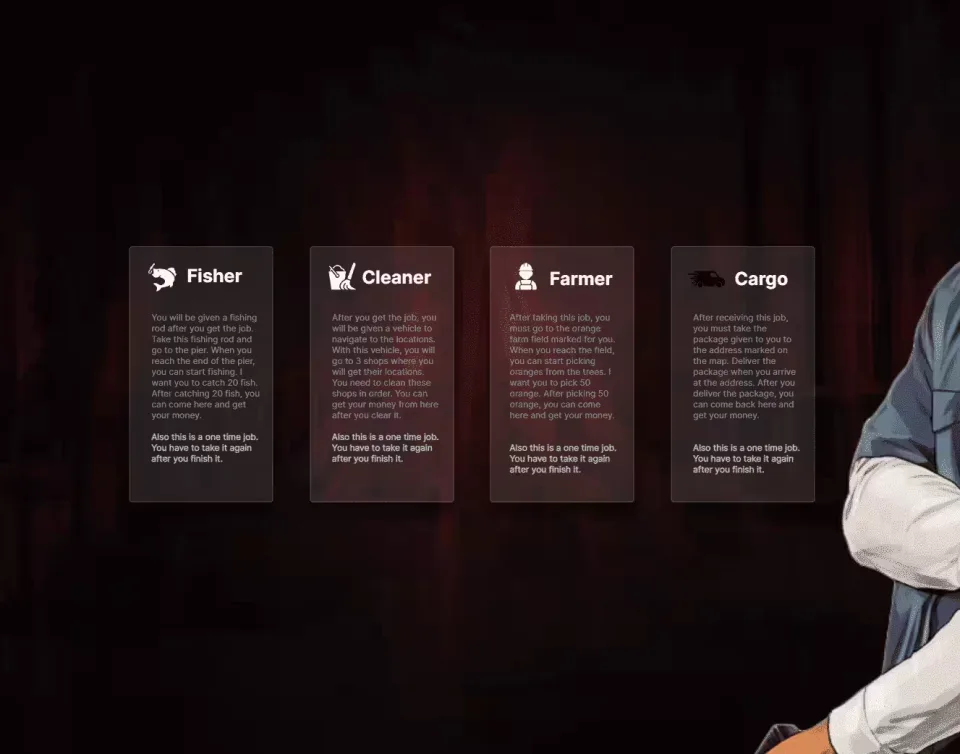
- Multiple open jobs: Fishing, Cleaner, Farming and Cargo, all doable by anyone with no /setjob needed
- Cat Cafe with custom food props and more (requires the GABZ MLO: https://fivem.gabzv.com/package/4724734)
- Hen House job with food props and more
Police and EMS
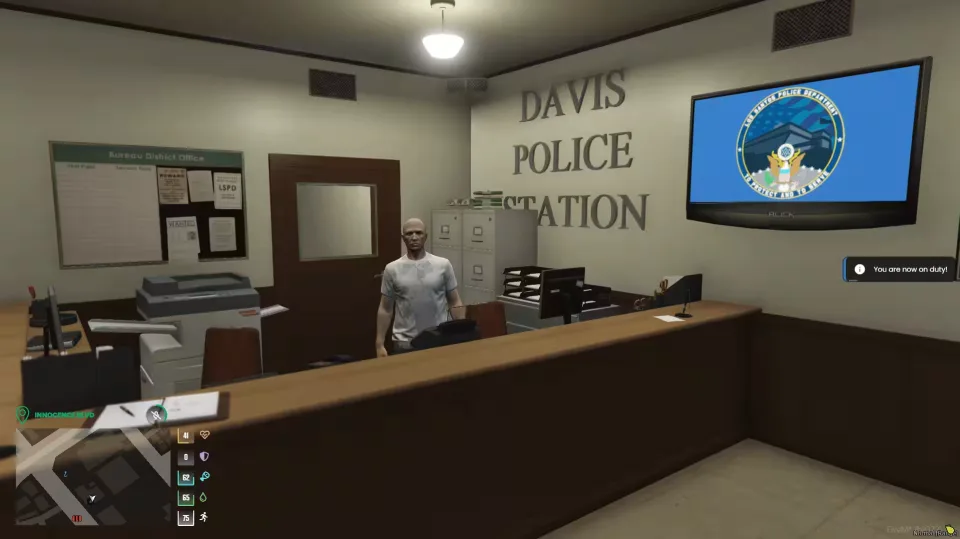
- Full MDT for PD, EMS, SAST and BCSO
- K9 unit: player search and vehicle search
- Dispatch and alerts installed for all robberies
- New Sheriff Station MLO for police (preview)
Criminal side
- Full drugs system: Coke, Meth, Crack, Heroin, Mushrooms and Peyote, with a drug selling system included
- Advanced bank robberies: Fleeca, Pacific and Paleto banks with lasers and preparations
- qb-cokejob with animation
- qb-bobcathest
- Prospecting for finding illegal items on islands
Activities
- Full hunting system with a hunting license, different skin levels for animals and unique animals
UI and polish
- Custom HUD with lots of customizations and modifiable locations
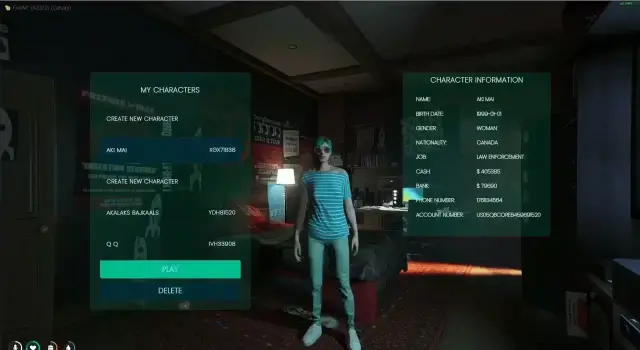
- Custom qb-multicharacter screen
- Custom CSS edited qb-menu
- Custom chat theme
Product information
Compatibility, delivery and setup
Check these listing details against your server before checkout. The documentation supplied with the download is the source of truth for exact dependencies, file names and configuration.
Compatibility
- Resource type
- FiveM script
- Category
- FiveM Readymade Servers
- Creator
- Not listed
Order details
- Price
- $60.00
- Delivery
- Unique download link sent by email after checkout
- Sold by
- CFX Tebex Store Official
- Updates
- Lifetime updates included
Installation checklist
Start with the files and readme included with this product.
-
Match the requirements
This listing names qbcore, qbox support. Check the description and readme for required inventory, target, library, database or map resources.
-
Keep the supplied names and order
Do not guess or rename the resource folder. Use the dependency order, config values, SQL and item definitions supplied in the download when they are present.
-
Start it after its dependencies
Upload the folder to
resources/, then addensure <download-folder>toserver.cfgusing the exact downloaded folder name. -
Test before going live
Start it on a development server, check the console for missing dependencies, then test every action described on this page with the integrations used by your live server.
Write a review
Reviews are moderated before appearing. Purchased the product? Your review gets a VERIFIED badge automatically.
![QBCore Framework V5 [250+ Scripts] - This pre-made server delivers](/uploads/card/57d6d170e294b5f4b98ca61011e949ae.webp)