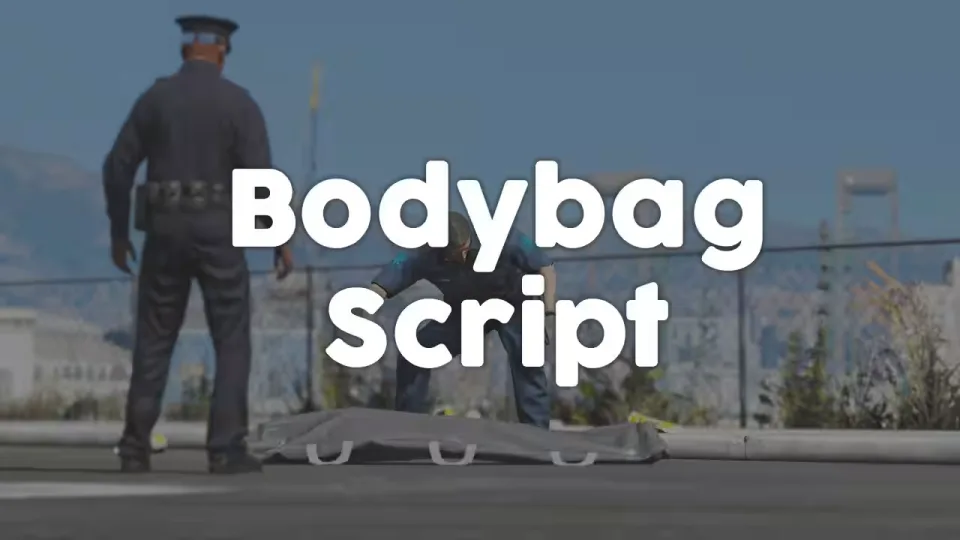
Bodybag Script
Death does not have to end the scene. This script lets players place bodybags on the dead, giving EMS, coroner and gang RP a proper next step instead of a body that just despawns.
It works on any framework and only requires a target system to interact with dead players. Synchronization runs through statebags, so every client stays in sync and the script can even be restarted while bodybags are in use without breaking anything.
Features
- Framework independent: runs anywhere, the only requirement is a target system
- Optional restrictions: require a job, an item, or both before a bodybag can be placed
- Statebag sync: clients stay synchronized, restart-safe even with active bodybags
- Removal: bodybags can be taken off again, and this can be disabled if you prefer them permanent
- Exports and events: add or remove bodybags from your own scripts for easy integration
- Configurable: extensive config plus bridge functions that let you edit the most important code
Resmon: 0.00ms
Product information
Compatibility, delivery and setup
Check these listing details against your server before checkout. The documentation supplied with the download is the source of truth for exact dependencies, file names and configuration.
Compatibility
- Resource type
- FiveM script
- Category
- ESX Scripts
- Creator
- Not listed
Order details
- Price
- $10.00
- Delivery
- Unique download link sent by email after checkout
- Sold by
- CFX Tebex Store Official
- Updates
- Lifetime updates included
Installation checklist
Start with the files and readme included with this product.
-
Match the requirements
This listing names esx, qbcore, qbox support. Check the description and readme for required inventory, target, library, database or map resources.
-
Keep the supplied names and order
Do not guess or rename the resource folder. Use the dependency order, config values, SQL and item definitions supplied in the download when they are present.
-
Start it after its dependencies
Upload the folder to
resources/, then addensure <download-folder>toserver.cfgusing the exact downloaded folder name. -
Test before going live
Start it on a development server, check the console for missing dependencies, then test every action described on this page with the integrations used by your live server.
Write a review
Reviews are moderated before appearing. Purchased the product? Your review gets a VERIFIED badge automatically.


