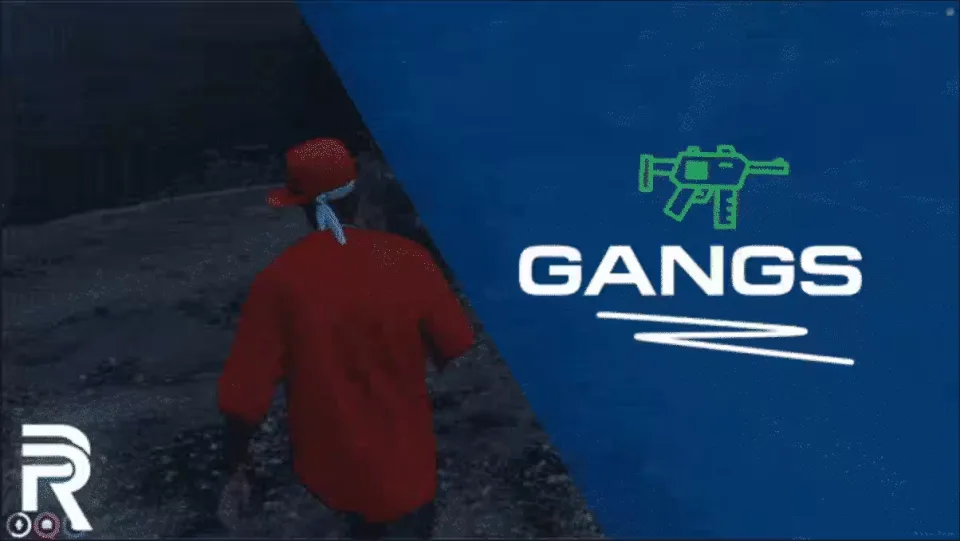
Conquer the Hoods
Gang Script turns gang roleplay into a full progression system. Players found their own gang, recruit members, claim territory and grow a criminal enterprise through dealers and Dark Web contracts, while you keep control of how it all plays out through the config.
Key Features
- Player-created gangs: players start their own gangs and shape them however they like, with member management and custom ranks that each carry their own permissions.
- Territories: customizable zones that represent each gang on the map and hold useful interest points like stash houses, grandma or even refineries.
- Graffiti: tag the hoods to show who runs them. Graffiti is not just decoration, it plays a real role in claiming and fighting over territories.
- Dark Web: access customizable dealers and contracts through the Dark Web.
- Dealers: they sell items, offer zone upgrades for stash houses and security, and hand out work for gangs to complete.
- Tarkov-style tasks: the dealer task system is inspired by Escape From Tarkov, letting you build customizable quest lines that give players ongoing activities beyond turf wars.
- One UI for everything: gangs, territories and the Dark Web are all handled through a carefully crafted interface, so your players never fight with clunky menus or chat commands.
- Customizability: every part of the script is configurable, so you can tune the experience to your player base.
The script connects to all popular resources through its bridge library.
Product information
Compatibility, delivery and setup
Check these listing details against your server before checkout. The documentation supplied with the download is the source of truth for exact dependencies, file names and configuration.
Compatibility
- Resource type
- FiveM script
- Category
- ESX Scripts
- Creator
- Not listed
Order details
- Price
- $20.00
- Delivery
- Unique download link sent by email after checkout
- Sold by
- CFX Tebex Store Official
- Updates
- Lifetime updates included
Installation checklist
Start with the files and readme included with this product.
-
Match the requirements
This listing names esx, qbcore, qbox support. Check the description and readme for required inventory, target, library, database or map resources.
-
Keep the supplied names and order
Do not guess or rename the resource folder. Use the dependency order, config values, SQL and item definitions supplied in the download when they are present.
-
Start it after its dependencies
Upload the folder to
resources/, then addensure <download-folder>toserver.cfgusing the exact downloaded folder name. -
Test before going live
Start it on a development server, check the console for missing dependencies, then test every action described on this page with the integrations used by your live server.
Write a review
Reviews are moderated before appearing. Purchased the product? Your review gets a VERIFIED badge automatically.