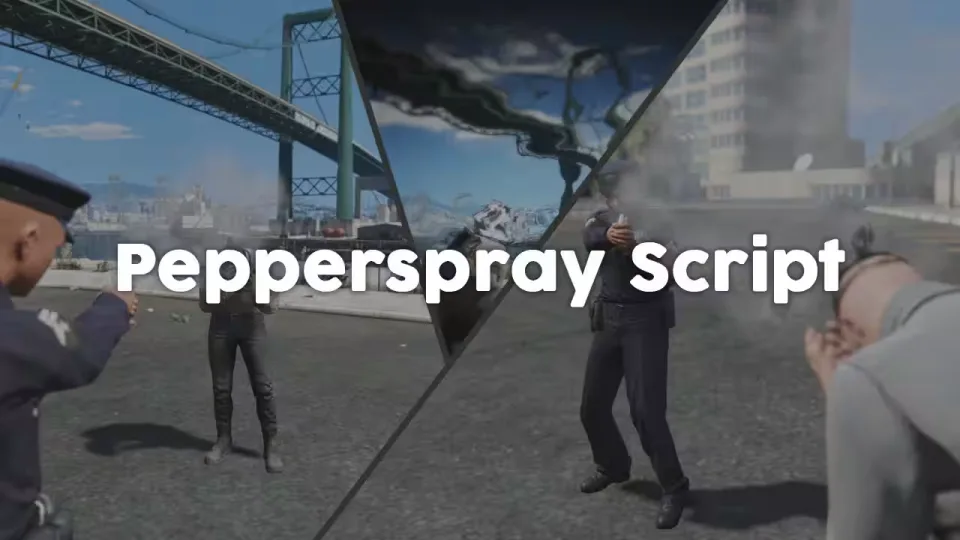
Give Your Officers a Non-Lethal Option
This script adds pepper spray to FiveM as a proper addon weapon, weapon_pepperspray, which handles like any other weapon in the game. Land a hit on another player and the script applies a configurable effect that temporarily paralyses the target. Effect strength and total duration are both yours to tune, and so are the maximum range and the angle relative to the target at which a spray connects, so point-blank face shots work while a spray from behind a wall does not.
Standalone, With Framework Awareness
The script runs on its own with no dependencies. If you play on ESX or QBCore, a built-in job check makes sure only police can apply the pepper spray effect.
Performance
Resmon sits at 0.00 ms while idle and peaks at 0.03 ms while the pepper spray effect is active.
Immunity Through Clothing
Running skinchanger? You can whitelist clothing pieces, gas masks for example, that make a player immune to the effect. The immunity function is exposed, so other skin scripts can be wired in as well.
Good to Know
- The normal version is encrypted, but key functions stay accessible through bridge code, so you can hook into the effect from your own resources.
- CodeM-Inventory is known not to work correctly with the pepper spray. We cannot offer support for that combination.
Product information
Compatibility, delivery and setup
Check these listing details against your server before checkout. The documentation supplied with the download is the source of truth for exact dependencies, file names and configuration.
Compatibility
- Resource type
- FiveM script
- Category
- ESX Scripts
- Creator
- Not listed
Order details
- Price
- $15.00
- Delivery
- Unique download link sent by email after checkout
- Sold by
- CFX Tebex Store Official
- Updates
- Lifetime updates included
Installation checklist
Start with the files and readme included with this product.
-
Match the requirements
This listing names esx, qbcore, qbox support. Check the description and readme for required inventory, target, library, database or map resources.
-
Keep the supplied names and order
Do not guess or rename the resource folder. Use the dependency order, config values, SQL and item definitions supplied in the download when they are present.
-
Start it after its dependencies
Upload the folder to
resources/, then addensure <download-folder>toserver.cfgusing the exact downloaded folder name. -
Test before going live
Start it on a development server, check the console for missing dependencies, then test every action described on this page with the integrations used by your live server.
Write a review
Reviews are moderated before appearing. Purchased the product? Your review gets a VERIFIED badge automatically.