


From a tuning request to a customer invoice
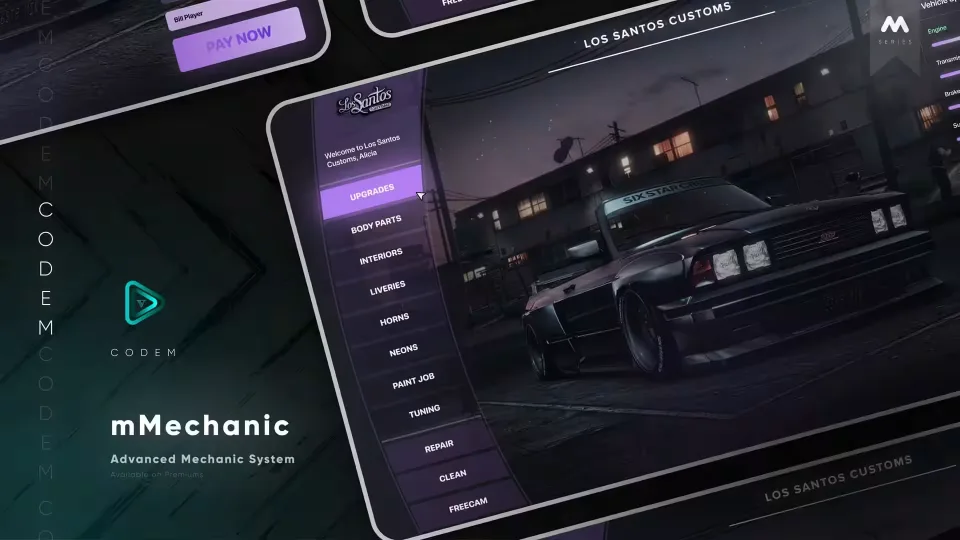
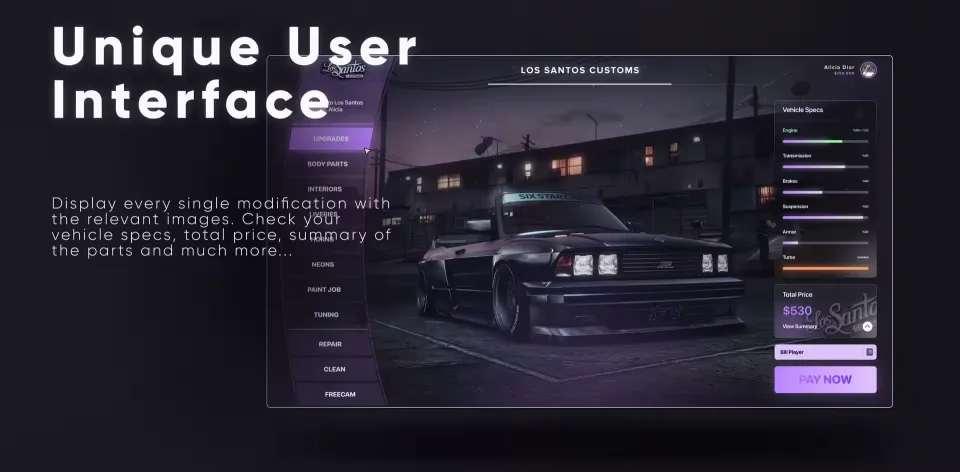
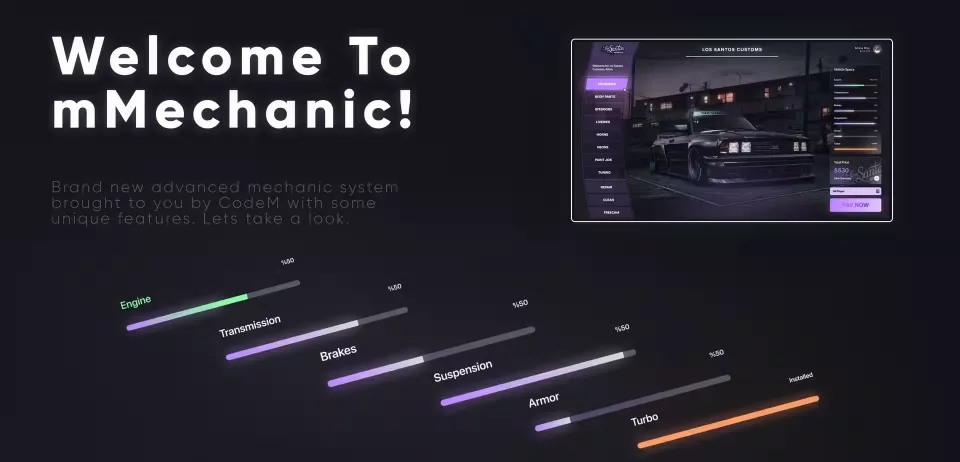
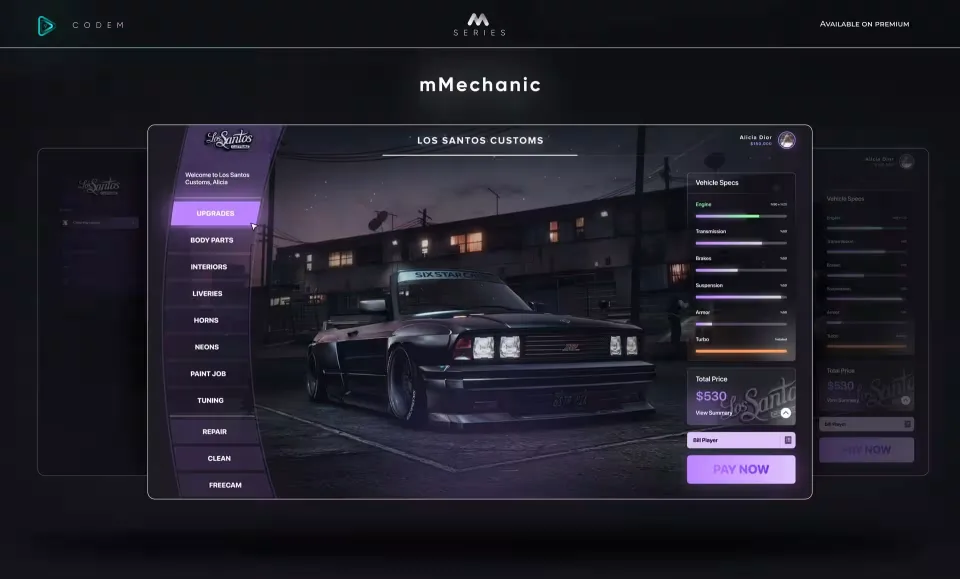
CodeM mMechanic connects vehicle customization with the daily administration of a mechanic business. The tuning screen brings together pictures of available modifications, vehicle specifications, selected parts and their combined price. Staff can review an order in one place before asking the nearby customer to pay.
Check the build before billing
Each modification has its own image in the interface. Camera transitions move the view between sections of the vehicle, while freecam lets the player inspect it from another angle. For lighting work, separate RGB choices cover both xenons and neons instead of restricting the order to preset colors.
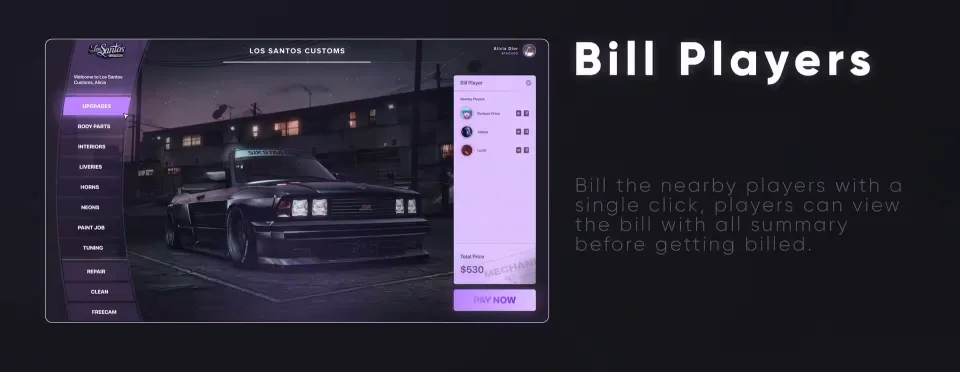
Once the selection is ready, an employee can issue a bill to a nearby player. The customer receives the order summary before payment. The included progress bar matches the script's interface, so that part of the workflow already has a visual style of its own.
Give each employee a defined role
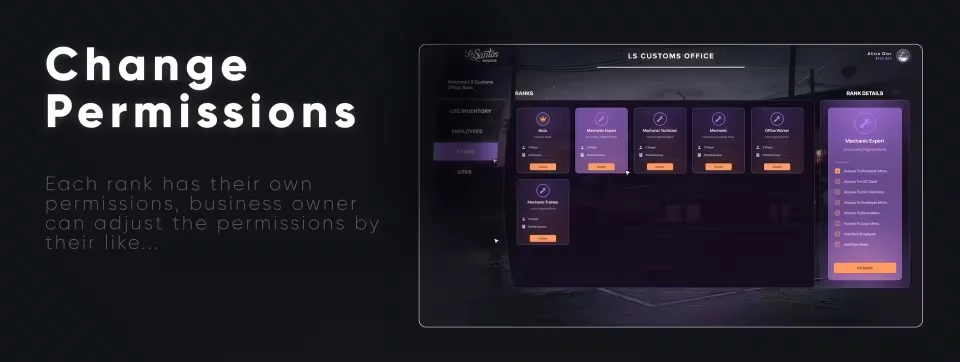
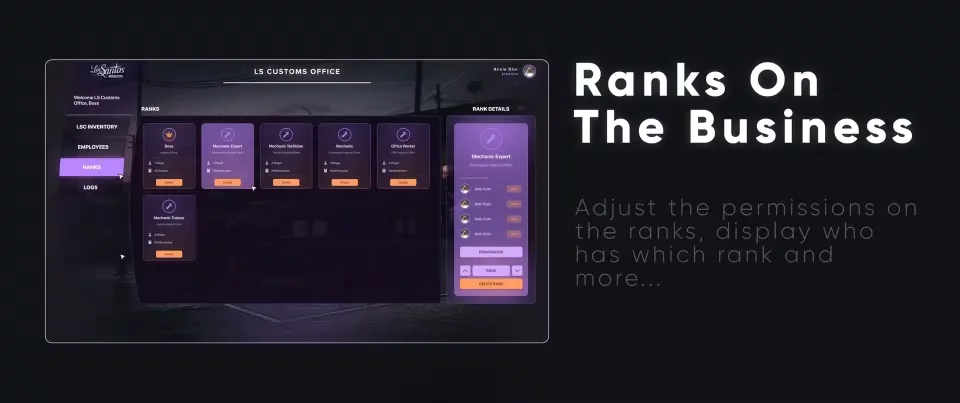
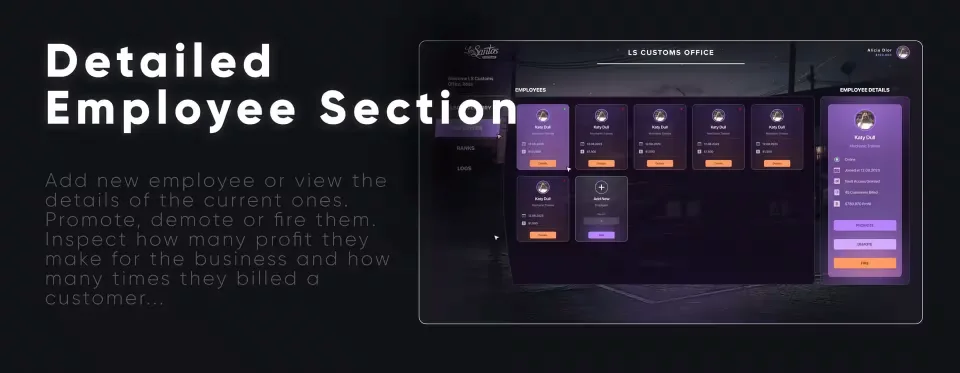
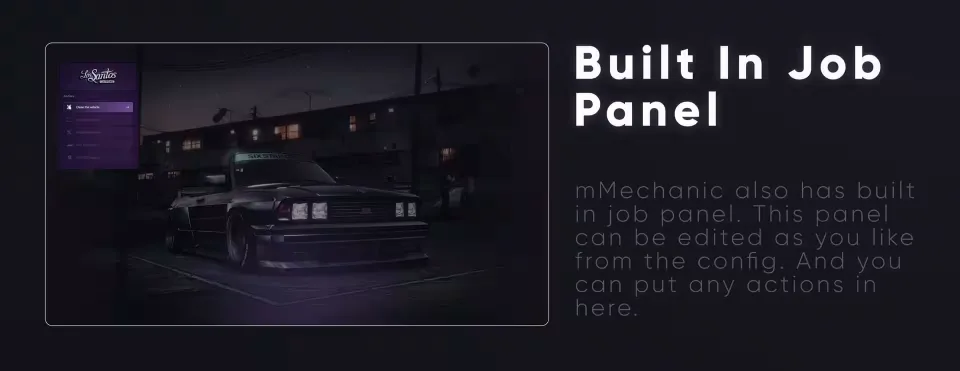
The configurable job panel holds the actions you want available in the workshop. Business owners can add staff, inspect employee details and promote, demote or dismiss workers. Rank permissions can be adjusted by the owner, with the current rank assignments visible in the management panel.
Employee records also show profit contributions and the number of customer bills issued. These figures help an owner review the work passing through the business alongside the staffing controls.
Follow stock, funds and staff activity
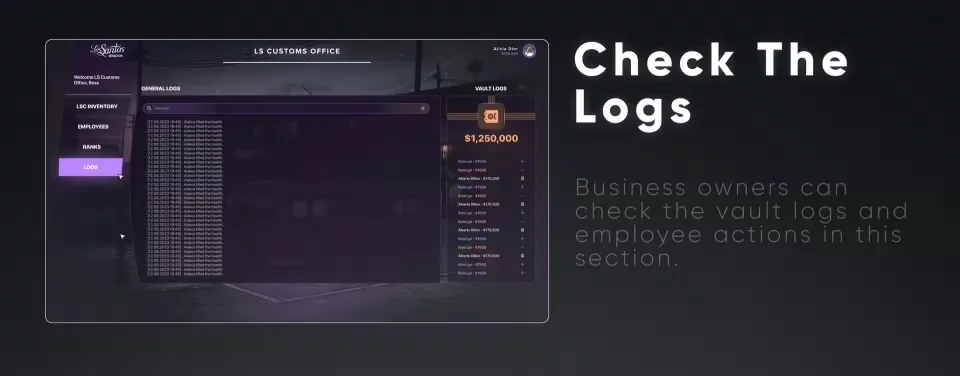
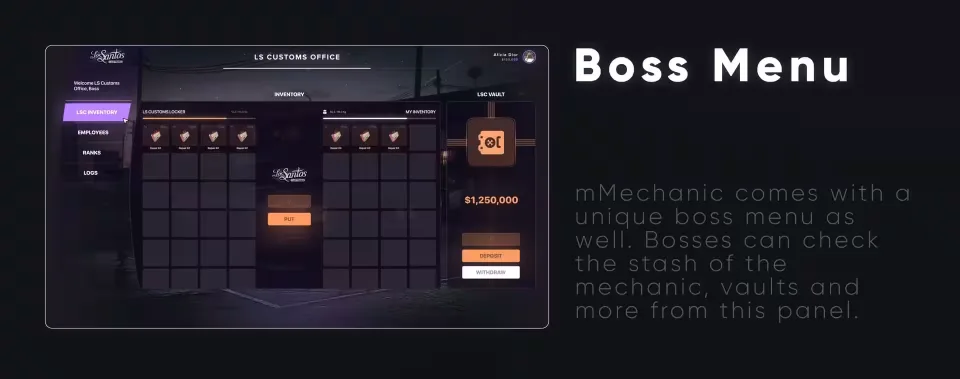
The boss panel provides access to the mechanic stash and vaults. Recorded vault activity and employee actions give the owner a history to review when checking a transaction or a change in the workshop.
The listing covers vehicle modification previews, customer billing and business management in one resource. Use the framework information shown on this page when checking the fit with your server, and confirm any required integrations before installation.
Product information
Compatibility, delivery and setup
Check these listing details against your server before checkout. The documentation supplied with the download is the source of truth for exact dependencies, file names and configuration.
Compatibility
- Resource type
- FiveM script
- Category
- CodeM
- Creator
- Not listed
Order details
- Price
- $7.00
- Delivery
- Unique download link sent by email after checkout
- Sold by
- CFX Tebex Store Official
- Updates
- Lifetime updates included
Installation checklist
Start with the files and readme included with this product.
-
Match the requirements
This listing names esx, qbcore, qbox support. Check the description and readme for required inventory, target, library, database or map resources.
-
Keep the supplied names and order
Do not guess or rename the resource folder. Use the dependency order, config values, SQL and item definitions supplied in the download when they are present.
-
Start it after its dependencies
Upload the folder to
resources/, then addensure <download-folder>toserver.cfgusing the exact downloaded folder name. -
Test before going live
Start it on a development server, check the console for missing dependencies, then test every action described on this page with the integrations used by your live server.
Write a review
Reviews are moderated before appearing. Purchased the product? Your review gets a VERIFIED badge automatically.


