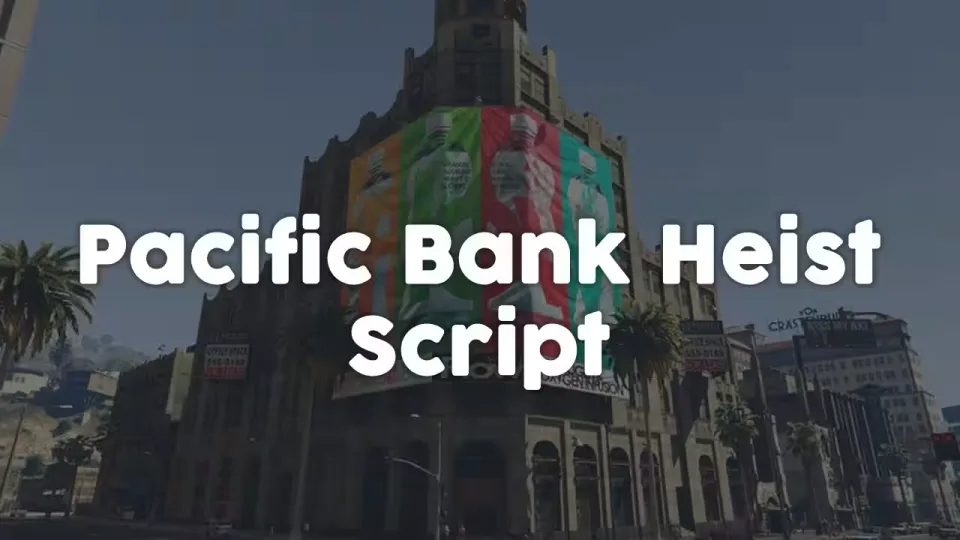
Pacific Bank Heist
A Pacific Bank robbery built around gathering intel before you ever burn a door. A hobo spawns at a random spot near the bank holding information about the on-duty guard. Press the guard and you can learn about the employees and the vault, and the correct vault code turns up on one of the employee computer screens. Both NPCs react dynamically to how you handle them, with voice lines to match.
Cracking the vault
- Interactive, configurable mini-games must be completed before a door opens.
- Synchronized particles and sound effects when using thermite, opening the vault and drilling lootboxes.
- A changing laser pattern inside the vault gives the crew one more obstacle to read.
- Walk through a laser and the final door locks, costing extra thermite to reopen.
Sync and security
- Every action and state is synced between clients, including players who connect during an active heist.
- Code only runs when a player is nearby, and events are secured against injection.
- Players with the police job can stop and reset the heist.
Configuration
- Client config covers required items, interact locations, animations, obtained loot and more.
- Loot lives in a server-sided config and scales with the weapon tier used during the heist.
- The encrypted version includes accessible bridge code, so you can modify important parts of the script to your own liking (see Bridge Functions).
- The configuration can be adapted to integrate custom map edits.
Product information
Compatibility, delivery and setup
Check these listing details against your server before checkout. The documentation supplied with the download is the source of truth for exact dependencies, file names and configuration.
Compatibility
- Resource type
- FiveM script
- Category
- ESX Scripts
- Creator
- Not listed
Order details
- Price
- $10.00
- Delivery
- Unique download link sent by email after checkout
- Sold by
- CFX Tebex Store Official
- Updates
- Lifetime updates included
Installation checklist
Start with the files and readme included with this product.
-
Match the requirements
This listing names esx, qbcore, qbox support. Check the description and readme for required inventory, target, library, database or map resources.
-
Keep the supplied names and order
Do not guess or rename the resource folder. Use the dependency order, config values, SQL and item definitions supplied in the download when they are present.
-
Start it after its dependencies
Upload the folder to
resources/, then addensure <download-folder>toserver.cfgusing the exact downloaded folder name. -
Test before going live
Start it on a development server, check the console for missing dependencies, then test every action described on this page with the integrations used by your live server.
Write a review
Reviews are moderated before appearing. Purchased the product? Your review gets a VERIFIED badge automatically.