GFX Arena PVP Script
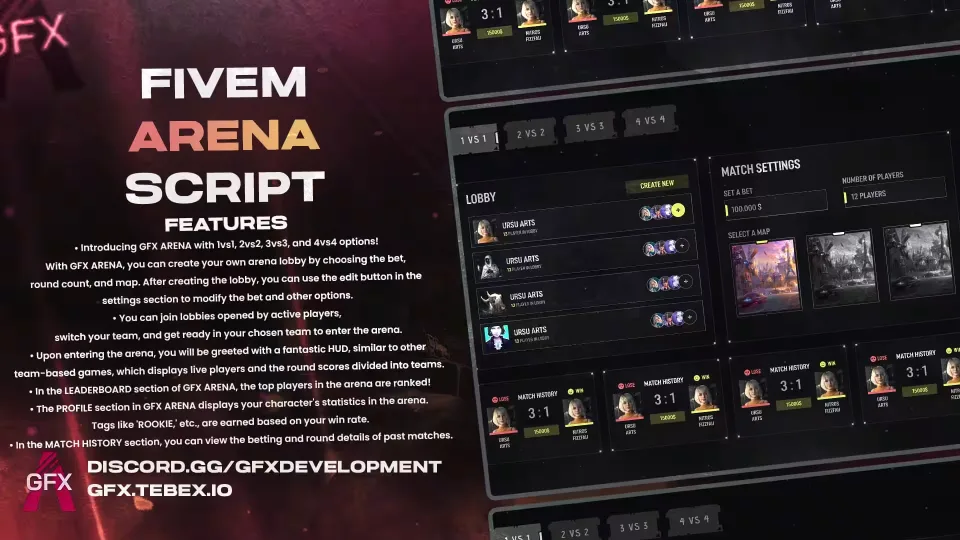
GFX Arena adds ranked, bet-based PVP matches to your server in 1vs1, 2vs2, 3vs3 and 4vs4 formats.
Any player can open a lobby, set the bet, pick the round count and choose the map. The lobby creator can still change the bet and other settings later through the edit button, so nothing is locked in at creation. Other players browse the active lobbies, join one, switch sides if they want, and ready up in their chosen team to start the match.
In the Arena
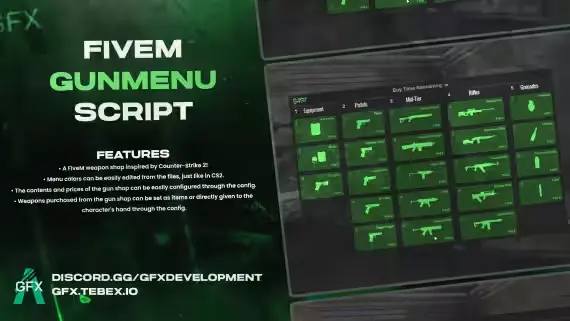
- Buy menu: at the start of each round players pick their weapons from a menu built like the one in CS2
- Match HUD: a team-based HUD shows who is still alive on each side and the running round score, the way you would expect from a competitive shooter
Progression and Stats
- Leaderboard: the top arena players on your server, ranked
- Profile: each character's arena statistics, with tags like ROOKIE earned from win rate
- Match History: bet amounts and round details from every past match
Requirements
None. The script runs standalone; only the betting feature needs ESX or QBCore.
Product information
Compatibility, delivery and setup
Check these listing details against your server before checkout. The documentation supplied with the download is the source of truth for exact dependencies, file names and configuration.
Compatibility
- Resource type
- FiveM script
- Category
- ESX Scripts
- Creator
- Not listed
Order details
- Price
- $10.00
- Delivery
- Unique download link sent by email after checkout
- Sold by
- CFX Tebex Store Official
- Updates
- Lifetime updates included
Installation checklist
Start with the files and readme included with this product.
-
Match the requirements
This listing names esx, qbcore, qbox support. Check the description and readme for required inventory, target, library, database or map resources.
-
Keep the supplied names and order
Do not guess or rename the resource folder. Use the dependency order, config values, SQL and item definitions supplied in the download when they are present.
-
Start it after its dependencies
Upload the folder to
resources/, then addensure <download-folder>toserver.cfgusing the exact downloaded folder name. -
Test before going live
Start it on a development server, check the console for missing dependencies, then test every action described on this page with the integrations used by your live server.
Write a review
Reviews are moderated before appearing. Purchased the product? Your review gets a VERIFIED badge automatically.