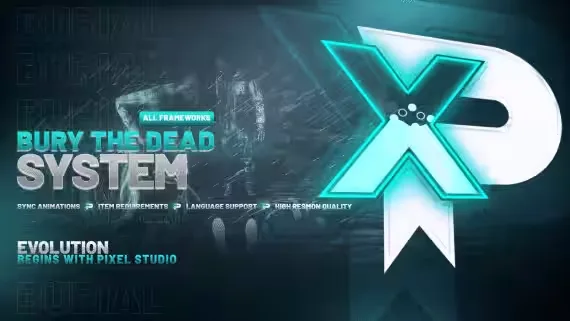
Burying Dead Bodies
Walk up to another player's dead body while holding a shovel, a usable item, and an "E Bury" prompt appears on the corpse. Every press of E shovels another layer of dirt onto the body until it disappears under the ground. The interaction also hooks into target systems if that is how your server runs.
A burial does not have to happen in one sitting. Stop digging whenever you need to and continue later from exactly where you left off. Other players carrying shovels can join in on the same body to finish the job faster, and the animations are fully synced so everyone standing around sees the same dig.
Features
- Support for es_extended, qb-core and qbox
- Shovel as a usable item, works with target systems too
- Burial progress can be stopped and resumed at any point
- Multiple players can dig together to speed up the process
- Fully synced burying animations
- Detailed config and documentation
- Super optimized, 0.00ns
Product information
Compatibility, delivery and setup
Check these listing details against your server before checkout. The documentation supplied with the download is the source of truth for exact dependencies, file names and configuration.
Compatibility
- Resource type
- FiveM script
- Category
- ESX Scripts
- Creator
- Not listed
Order details
- Price
- $12.00
- Delivery
- Unique download link sent by email after checkout
- Sold by
- CFX Tebex Store Official
- Updates
- Lifetime updates included
Installation checklist
Start with the files and readme included with this product.
-
Match the requirements
This listing names esx, qbcore, qbox support. Check the description and readme for required inventory, target, library, database or map resources.
-
Keep the supplied names and order
Do not guess or rename the resource folder. Use the dependency order, config values, SQL and item definitions supplied in the download when they are present.
-
Start it after its dependencies
Upload the folder to
resources/, then addensure <download-folder>toserver.cfgusing the exact downloaded folder name. -
Test before going live
Start it on a development server, check the console for missing dependencies, then test every action described on this page with the integrations used by your live server.
Write a review
Reviews are moderated before appearing. Purchased the product? Your review gets a VERIFIED badge automatically.