RCore Television
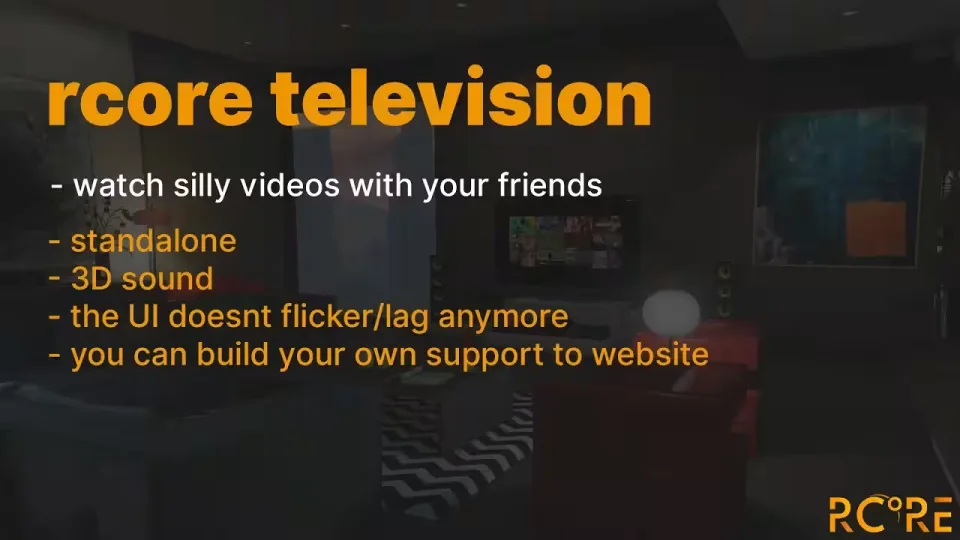
Put a working TV in your server. Players can sit down together and watch shows, movies, livestreams or radio streams on in-game screens, with playback and time synced across everyone in the room so nobody is thirty seconds ahead of the person next to them.
The script is framework agnostic and runs on any base, and everything plays through 3D sound, so the audio actually comes from the TV and fades as you walk away.
Playback
- Plays anything from a direct URL, a livestream or a radio stream
- Fully server synced, with time synced between all players
- Set a default volume for players
- Load a default playlist into a TV so it plays without anyone touching it
Configuration
- Add new TV models straight into the config
- Change the interaction distance per TV, crank it up on one screen and you have a cinema
- Lock a TV model to a specific job
- Whitelist or blacklist URLs to control what players can queue
- Add custom support for a website in the config
- Rename every command label to fit your server
Product information
Compatibility, delivery and setup
Check these listing details against your server before checkout. The documentation supplied with the download is the source of truth for exact dependencies, file names and configuration.
Compatibility
- Resource type
- FiveM script
- Category
- ESX Scripts
- Creator
- Not listed
Order details
- Price
- $10.00
- Delivery
- Unique download link sent by email after checkout
- Sold by
- CFX Tebex Store Official
- Updates
- Lifetime updates included
Installation checklist
Start with the files and readme included with this product.
-
Match the requirements
This listing names esx, qbcore, qbox support. Check the description and readme for required inventory, target, library, database or map resources.
-
Keep the supplied names and order
Do not guess or rename the resource folder. Use the dependency order, config values, SQL and item definitions supplied in the download when they are present.
-
Start it after its dependencies
Upload the folder to
resources/, then addensure <download-folder>toserver.cfgusing the exact downloaded folder name. -
Test before going live
Start it on a development server, check the console for missing dependencies, then test every action described on this page with the integrations used by your live server.
Write a review
Reviews are moderated before appearing. Purchased the product? Your review gets a VERIFIED badge automatically.


