KuzQuality Hideouts 2.0
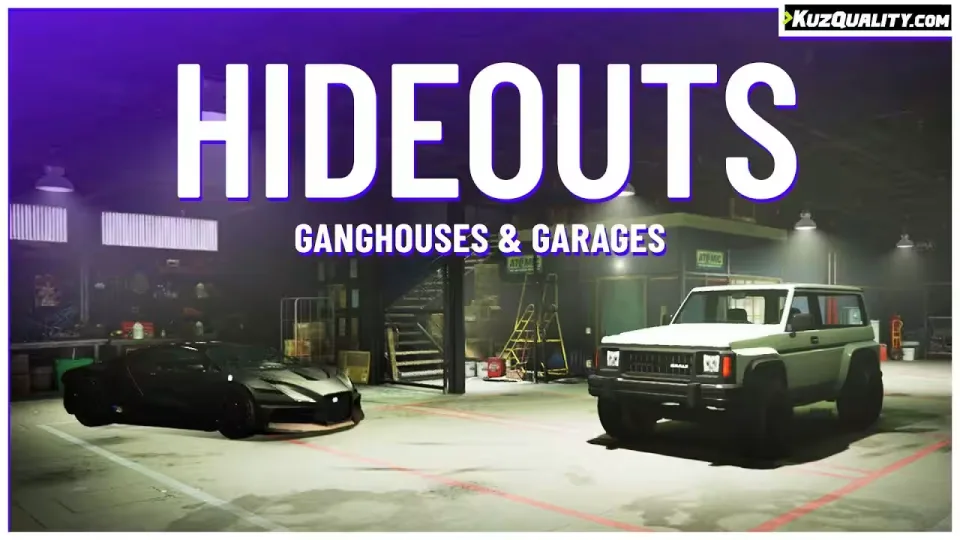
Purchasable hideouts placed all around the map where players can stash both their personal cars and stolen vehicles. Everything gets saved to the database: upgrades, fuel level and damage, and even visual damage is reapplied when the vehicle comes back out. Inside the hideout players can repair and wash their vehicles, and if the owner drives in with friends in the passenger seats, they come along too.
Main features
- Purchasable hideouts across the map, available in different sizes
- Store personal and stolen vehicles, saved in the database
- Vehicle damage persists, including visual damage applied back to the car
- Repair and wash vehicles inside your hideout
- Bring other players in by driving inside with them as passengers
- Passwords: set one on your hideout so others can use it, even while you're offline
- Job hideouts: set one up for a job and every player with that job can use it
- Blacklist certain vehicle classes from being stored (emergency etc.)
- Prevent players from storing vehicles owned by someone else
- Vehicles too large to fit inside the hideout are refused automatically
- API file exposing functions that fire whenever something happens
- Highly customizable through the config file
- 0.00ms at idle
The sell option seen in the video was a placeholder. The script does not currently include a way to sell hideouts.
Compatibility
Runs on both ESX and QBCore. All framework and dependency code is editable, so it can easily be adjusted to work with custom solutions.
Product information
Compatibility, delivery and setup
Check these listing details against your server before checkout. The documentation supplied with the download is the source of truth for exact dependencies, file names and configuration.
Compatibility
- Resource type
- FiveM script
- Category
- ESX Scripts
- Creator
- Not listed
Order details
- Price
- $10.00
- Delivery
- Unique download link sent by email after checkout
- Sold by
- CFX Tebex Store Official
- Updates
- Lifetime updates included
Installation checklist
Start with the files and readme included with this product.
-
Match the requirements
This listing names esx, qbcore, qbox support. Check the description and readme for required inventory, target, library, database or map resources.
-
Keep the supplied names and order
Do not guess or rename the resource folder. Use the dependency order, config values, SQL and item definitions supplied in the download when they are present.
-
Start it after its dependencies
Upload the folder to
resources/, then addensure <download-folder>toserver.cfgusing the exact downloaded folder name. -
Test before going live
Start it on a development server, check the console for missing dependencies, then test every action described on this page with the integrations used by your live server.
Write a review
Reviews are moderated before appearing. Purchased the product? Your review gets a VERIFIED badge automatically.


