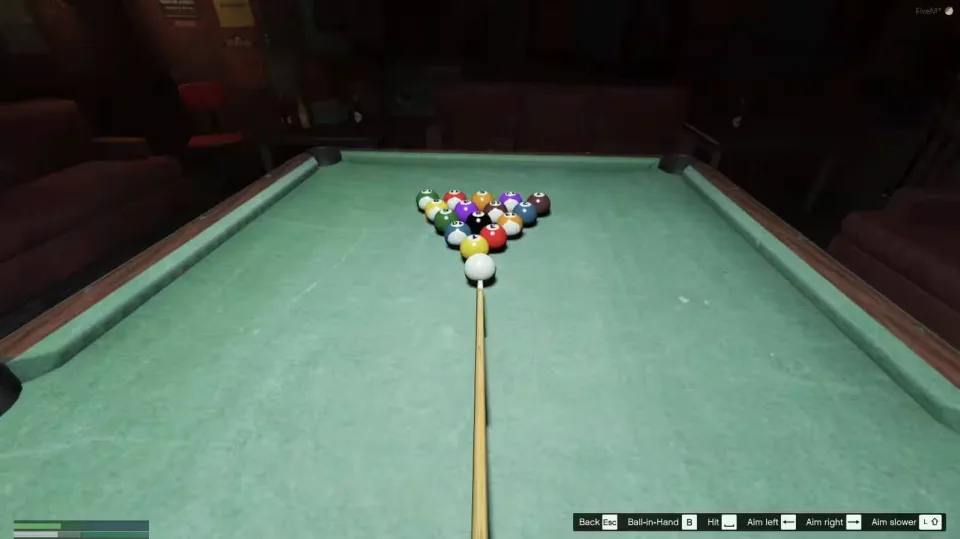
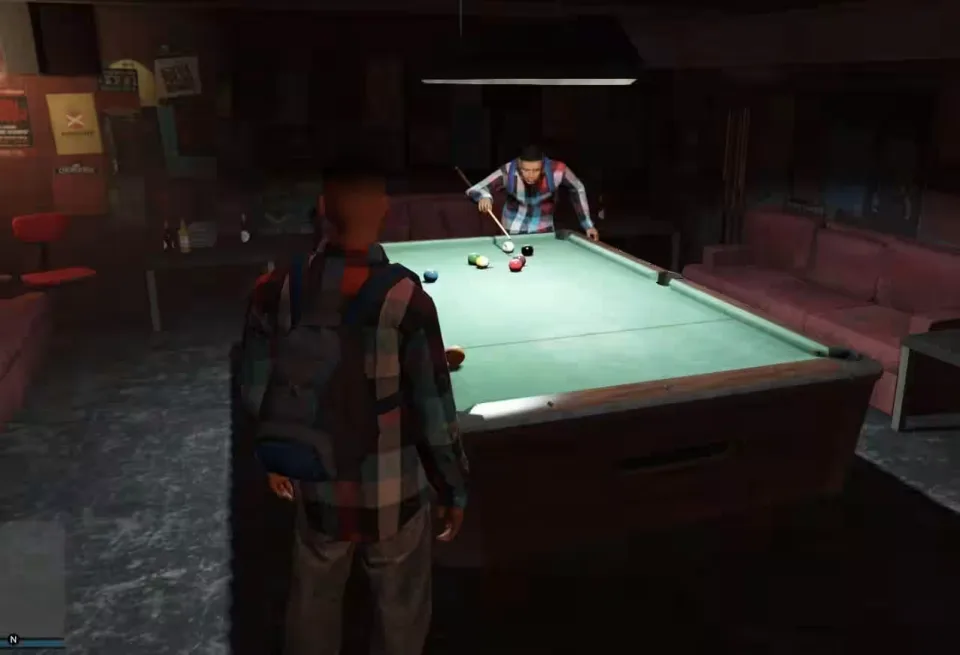
8-Ball Pool / Billiards
Take a break from the usual Los Santos chaos and rack up a frame of old-school pool with your friends.
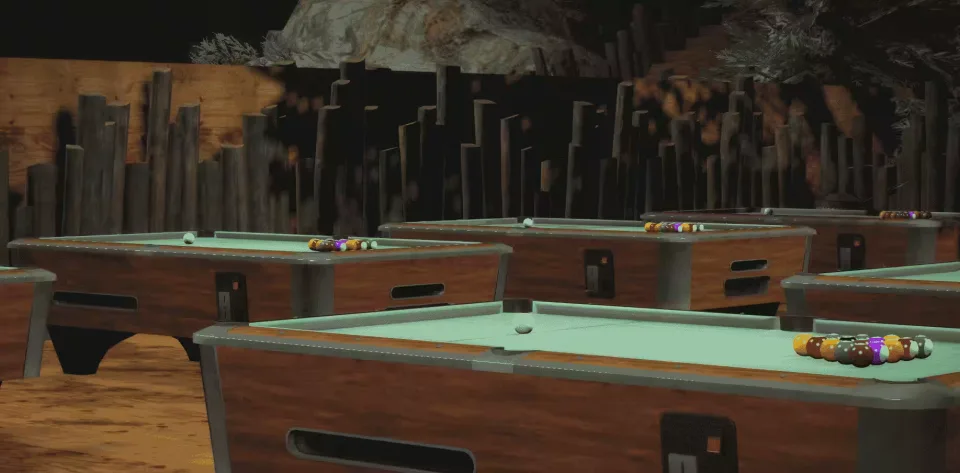
Every billiards table on the map works out of the box, and you can place your own tables wherever you want. Any number of players can join a game, fully synced for everyone standing around the table.
Play by your own rules
Almost every group plays pool a bit differently, so this script does not lock you into a ruleset. Run straight pool, 9 ball or 8 ball, reset the game at any time, and take ball in hand to place the cue ball anywhere your house rules allow. Cheating is handled the way it is at a real table: whenever a ball is pocketed or a player picks the ball up, everyone around the table gets a notification, so the people watching keep the game honest.
Features
- Framework: works on every server (esx, vrp, anything)
- Game modes: straight pool, 9 ball or 8 ball
- Table rental: players can pay for a table and the money goes to a job account
- Tables: all pool tables anywhere work, plus your own custom placements
- Open access: anyone can play, no job or item requirements
- Targeting: qb-target, ox_target, bt-target and qtarget support
- Sync: fully multiplayer synced
- Sound: balls colliding, balls being pocketed, balls bouncing off the cushions
- Menu: uses WarMenu (included), easy to swap for your own menu system
- Config: change keybinds or language in the config file
Fully unlocked with source code.
Product information
Compatibility, delivery and setup
Check these listing details against your server before checkout. The documentation supplied with the download is the source of truth for exact dependencies, file names and configuration.
Compatibility
- Resource type
- FiveM script
- Category
- ESX Scripts
- Creator
- Not listed
Order details
- Price
- $15.00
- Delivery
- Unique download link sent by email after checkout
- Sold by
- CFX Tebex Store Official
- Updates
- Lifetime updates included
Installation checklist
Start with the files and readme included with this product.
-
Match the requirements
This listing names esx, qbcore, qbox support. Check the description and readme for required inventory, target, library, database or map resources.
-
Keep the supplied names and order
Do not guess or rename the resource folder. Use the dependency order, config values, SQL and item definitions supplied in the download when they are present.
-
Start it after its dependencies
Upload the folder to
resources/, then addensure <download-folder>toserver.cfgusing the exact downloaded folder name. -
Test before going live
Start it on a development server, check the console for missing dependencies, then test every action described on this page with the integrations used by your live server.
Write a review
Reviews are moderated before appearing. Purchased the product? Your review gets a VERIFIED badge automatically.