mStaff by CodeM
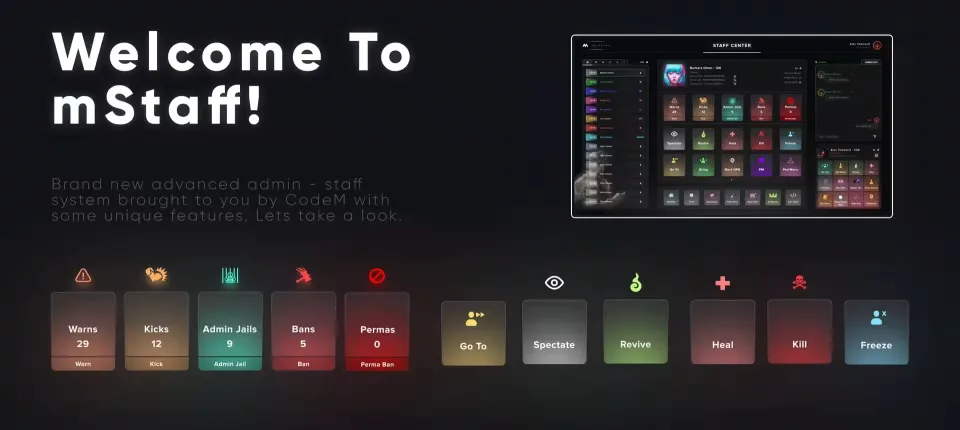
A staff and admin system that puts everything your team needs on one screen, on a clean UI, instead of scattered across chat commands.
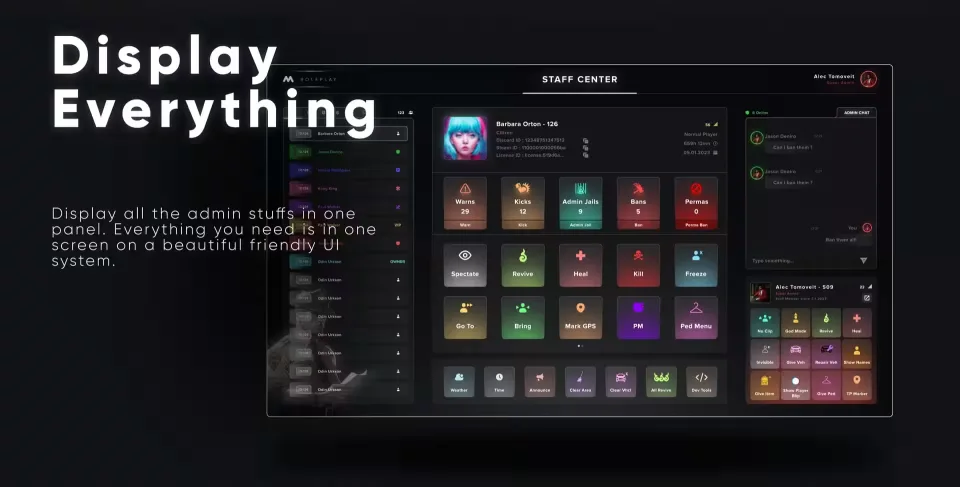
One Panel for Everything
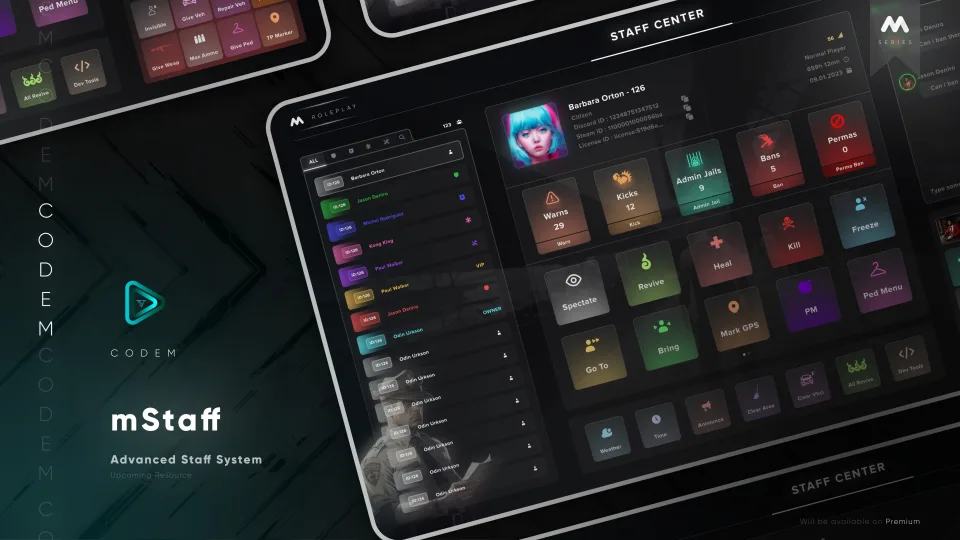
All admin tools live in a single panel. Open it and you have the whole server in front of you, no juggling separate menus.
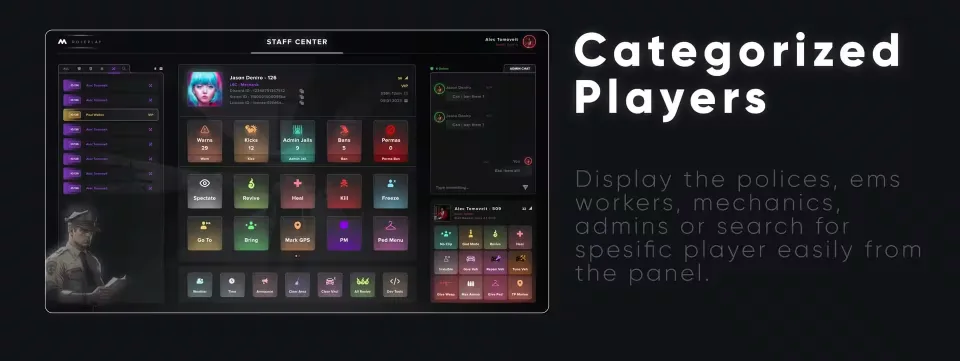
Categorized Player Lists
Players are grouped by role, so you can pull up police, EMS workers, mechanics or admins in a click, or search for a specific player by name.
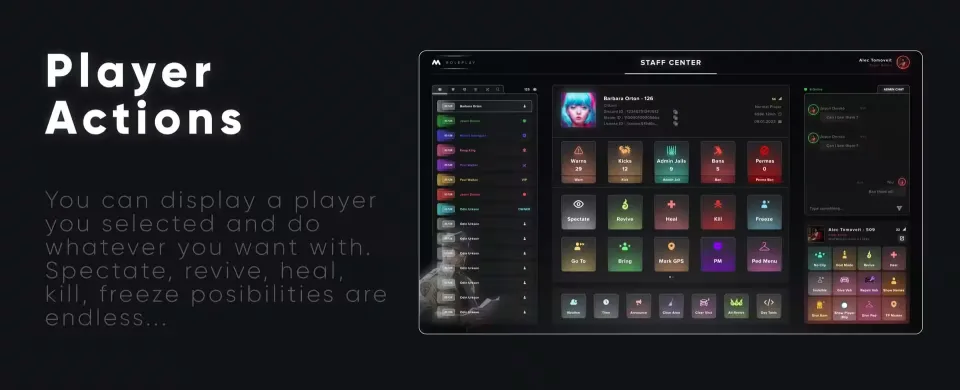
Player Actions
Select a player and act on them directly from the panel. Spectate, revive, heal, kill, freeze, the possibilities are endless.
Live Staff Chat
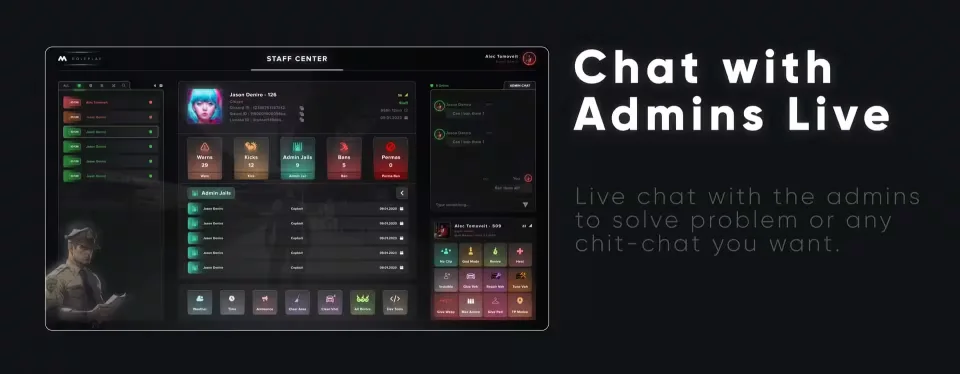
A built-in live chat lets admins talk to each other inside the panel, whether it is sorting out a report or just chit-chat.
Quick Admin Panel
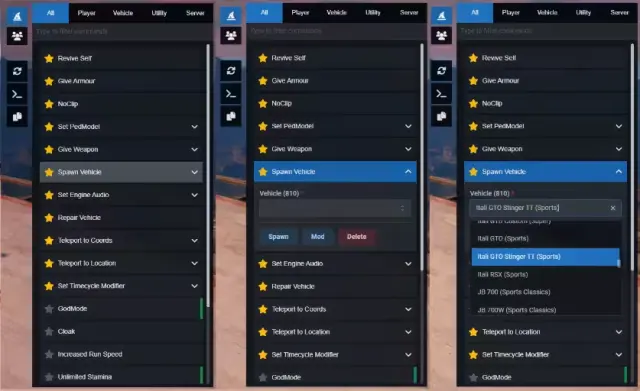
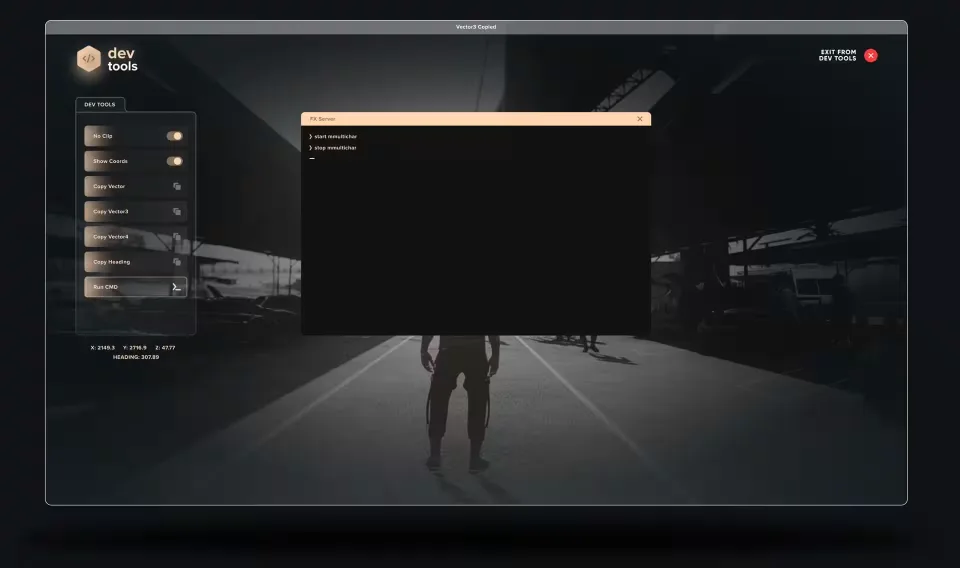
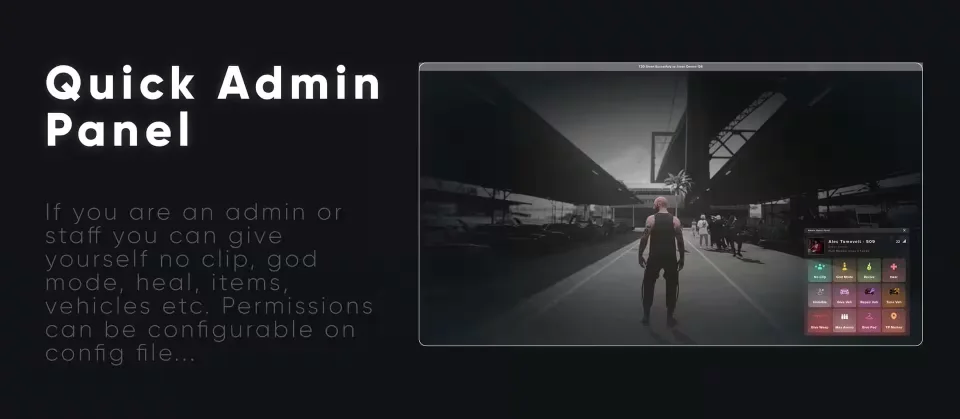
Staff can give themselves noclip, god mode, heal, items, vehicles and more from a quick-access section. Which ranks get which powers is set in the config file.
Player Logs
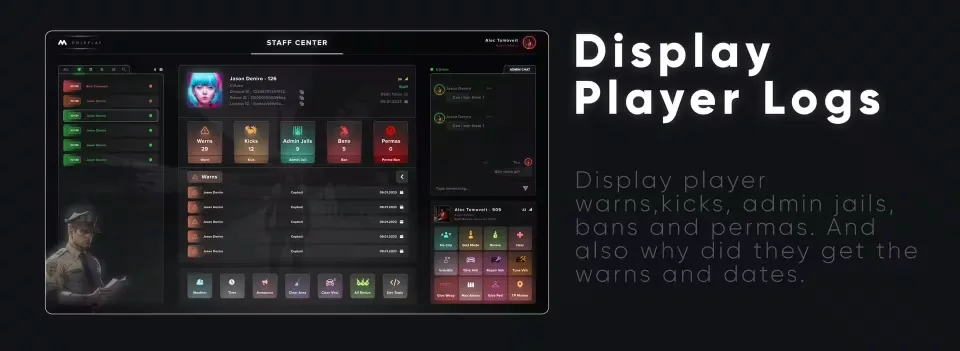
Every warn, kick, admin jail, ban and perma is on record, with the reason it was issued and the date. Useful when a player claims their third warn came out of nowhere.
Weather Control
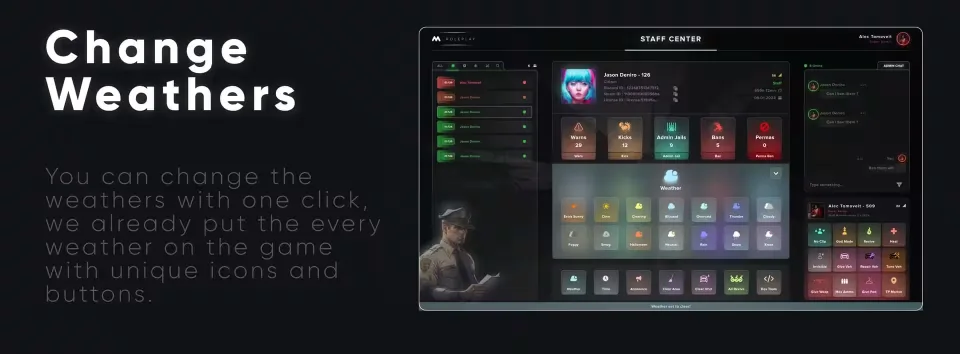
Every weather type in the game is already wired in with its own icon and button. Changing conditions is one click.
Time Control
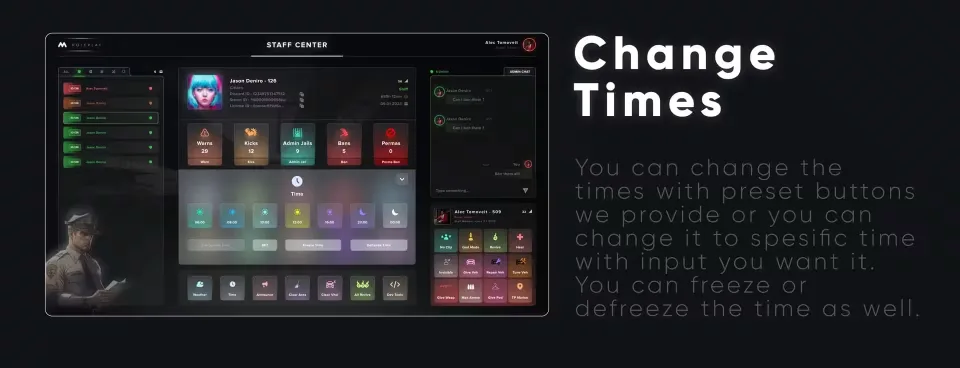
Jump to a preset time of day, or type an exact time into the input. You can also freeze and unfreeze time whenever you need it held.
Server Announcements
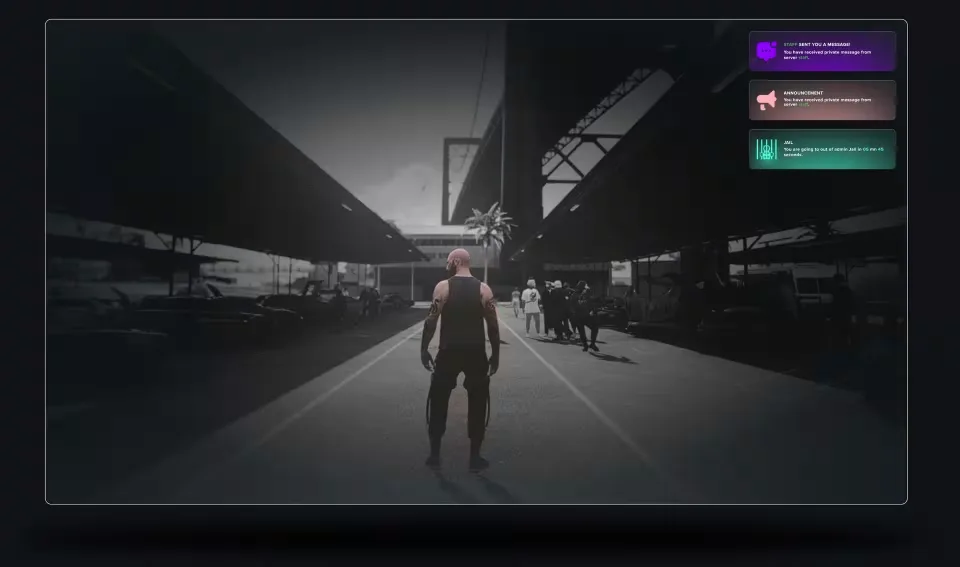
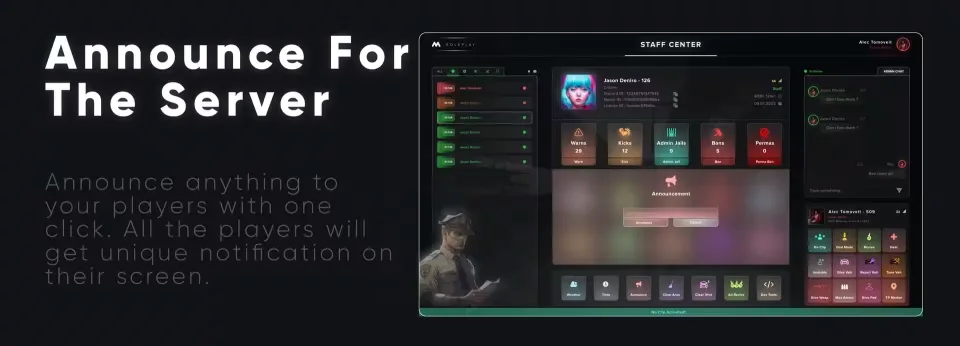
Push an announcement to the whole server with one click. Every player gets a distinct notification on their screen.
Permission Management
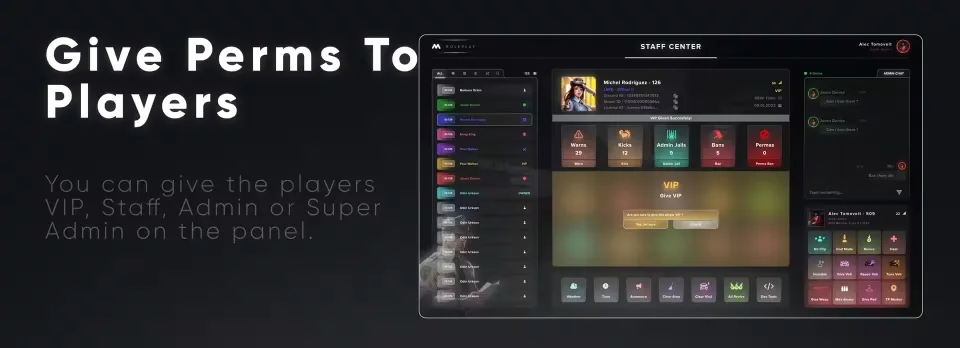
Promote players to VIP, Staff, Admin or Super Admin straight from the panel, no database edits needed.
Product information
Compatibility, delivery and setup
Check these listing details against your server before checkout. The documentation supplied with the download is the source of truth for exact dependencies, file names and configuration.
Compatibility
- Resource type
- FiveM script
- Category
- CodeM
- Creator
- Not listed
Order details
- Price
- $8.00
- Delivery
- Unique download link sent by email after checkout
- Sold by
- CFX Tebex Store Official
- Updates
- Lifetime updates included
Installation checklist
Start with the files and readme included with this product.
-
Match the requirements
This listing names esx, qbcore, qbox support. Check the description and readme for required inventory, target, library, database or map resources.
-
Keep the supplied names and order
Do not guess or rename the resource folder. Use the dependency order, config values, SQL and item definitions supplied in the download when they are present.
-
Start it after its dependencies
Upload the folder to
resources/, then addensure <download-folder>toserver.cfgusing the exact downloaded folder name. -
Test before going live
Start it on a development server, check the console for missing dependencies, then test every action described on this page with the integrations used by your live server.
Write a review
Reviews are moderated before appearing. Purchased the product? Your review gets a VERIFIED badge automatically.