Police Vehicle Trunk
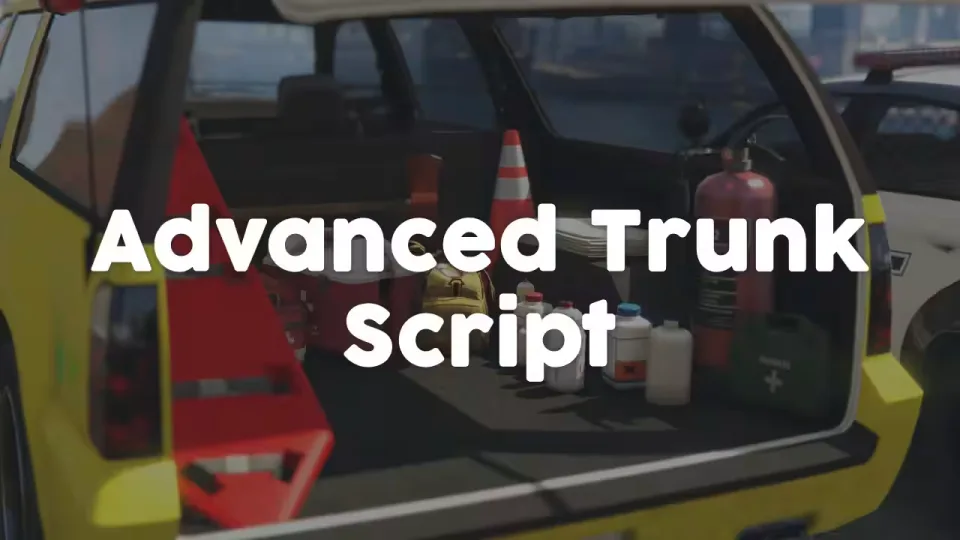
Turn any vehicle trunk into an interactive layout your players can actually see and use. The UI visualizes the real contents of the trunk, and every prop in it can do something: hand out items or weapons, let players take deployable props, change clothes, or fire off your own custom actions. Built with police, fire and EMS vehicles in mind, but it works just as well on civilian cars that need something extra in the back.
How it works
Each trunk layout is defined in the config. You choose which props are visualized, where they sit in the trunk, and what happens when a player selects them. Players open the trunk through a third-eye system, then browse the props with keyboard and/or mouse.
Features
- Per-vehicle layouts: add a unique trunk layout to any vehicle through the config, with props, positions and actions defined per trunk.
- Flexible trunk actions: grant items or weapons, take deployable props, change clothes, or wire up your own custom action on any trunk item.
- Target system support: ox-target and qb-target work out of the box, and the code can be edited to hook into any other third-eye system.
- Job restrictions: lock specific trunks, or individual trunk actions, behind jobs. The full config file is shared in the FiveM forum post.
- Debug mode: set up new trunks quickly and nail down prop coordinates precisely.
- Automatic prop spawning: the script detects most vehicle spawning methods and creates the trunk props on its own. A server-sided export is available if you want to spawn them in yourself.
- Full sync: trunk contents are synchronized between all clients.
Performance
Resmon sits at 0.00ms idle and 0.03ms while a trunk is in use.
Product information
Compatibility, delivery and setup
Check these listing details against your server before checkout. The documentation supplied with the download is the source of truth for exact dependencies, file names and configuration.
Compatibility
- Resource type
- FiveM script
- Category
- ESX Scripts
- Creator
- Not listed
Order details
- Price
- $10.00
- Delivery
- Unique download link sent by email after checkout
- Sold by
- CFX Tebex Store Official
- Updates
- Lifetime updates included
Installation checklist
Start with the files and readme included with this product.
-
Match the requirements
This listing names esx, qbcore, qbox support. Check the description and readme for required inventory, target, library, database or map resources.
-
Keep the supplied names and order
Do not guess or rename the resource folder. Use the dependency order, config values, SQL and item definitions supplied in the download when they are present.
-
Start it after its dependencies
Upload the folder to
resources/, then addensure <download-folder>toserver.cfgusing the exact downloaded folder name. -
Test before going live
Start it on a development server, check the console for missing dependencies, then test every action described on this page with the integrations used by your live server.
Write a review
Reviews are moderated before appearing. Purchased the product? Your review gets a VERIFIED badge automatically.


