Free MDT for Police
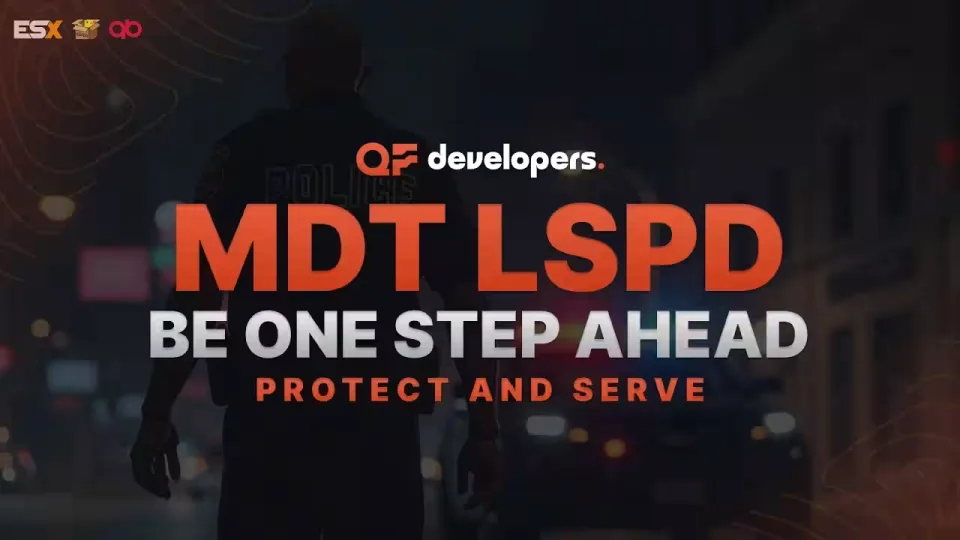
A full police MDT, free. Officers on your server get a tablet they can actually work from: search the police database for citizens, vehicles and residences, post and manage service announcements and notes, and build reports, warrants and investigative files complete with descriptions, the people involved in the crime, the officers on the case and photo attachments.
Installation is painless. A ready-made SQL file ships with the script, and Discord logging hooks up to your own webhook in minutes.
What's inside
- Database: look up citizens, vehicles and apartments and pull their key information and notes straight into the tablet
- Nearest search: no typing player data by hand, pick the "Nearest" option and the profile opens in the MDT
- Fines: issue fines against a freely configurable police tariff, and add your own sentence when the situation calls for it
- Evidence and warrants: create them with a description, people involved, assigned officers and photo attachments
- Notes and announcements: read, add and delete service notes and announcements as needed
- Useful tabs: police codes and everything else officers reach for sit in the left-side section of the homepage
- In-game settings: change button colors, text, MDT appearance and language during gameplay through the settings button
- Six languages supported automatically: Polish, English, American, German, French and Spanish, and you can add your own language in the MDT settings
- Death detection: the MDT closes or is removed automatically when a character loses consciousness
- Webhook fraud protection: guards against scammers trying to get at your Discord webhook
- Money security: built-in measures block unauthorized money addition and duplication, with logic checks that stop anyone sending money to themselves
- 0.0ms optimization: high security and smooth operation across all frameworks, no FPS hit, no lag
- Extensive customization: multiple files are open for modification so the script can be shaped to your server's requirements
- Plays nice with other scripts: automatic compatibility with esx_property, qb-apartments, esx_society, qb-management and more
Product information
Compatibility, delivery and setup
Check these listing details against your server before checkout. The documentation supplied with the download is the source of truth for exact dependencies, file names and configuration.
Compatibility
- Resource type
- FiveM script
- Category
- ESX Scripts
- Creator
- Not listed
Order details
- Price
- FREE
- Delivery
- Unique download link sent by email after checkout
- Sold by
- CFX Tebex Store Official
- Updates
- Lifetime updates included
Installation checklist
Start with the files and readme included with this product.
-
Match the requirements
This listing names esx, qbcore, qbox support. Check the description and readme for required inventory, target, library, database or map resources.
-
Keep the supplied names and order
Do not guess or rename the resource folder. Use the dependency order, config values, SQL and item definitions supplied in the download when they are present.
-
Start it after its dependencies
Upload the folder to
resources/, then addensure <download-folder>toserver.cfgusing the exact downloaded folder name. -
Test before going live
Start it on a development server, check the console for missing dependencies, then test every action described on this page with the integrations used by your live server.
Write a review
Reviews are moderated before appearing. Purchased the product? Your review gets a VERIFIED badge automatically.

![[MLO] Vespucci Police Dept for FiveM & RageMP](/uploads/card/9f35c4a6017de12a659a84301bd184ad.webp)