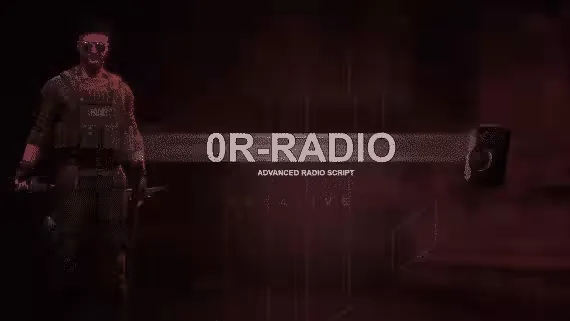
Free Radio Script
A free radio script with a jammer, five radio types to pick from, and dedicated vehicle and heli radios. It runs on both pma-voice and SaltyChat, so it drops into most voice setups without extra work.
What it does
- Jammer: block radio traffic when the situation calls for it
- Vehicle and heli radio: dedicated radios for cars and helicopters
- 5 radio types: five different radio models to choose from
- Theme change: swap the radio's look
- Channel member list: see every player connected to your channel
- Mute option: silence players who bother you on your channel (pma-voice only)
- Private encrypted channels: keep sensitive comms off open frequencies
- Volume control: turn the radio up or down on the fly
Voice compatibility
Works with pma-voice and SaltyChat. The per-player mute option requires pma-voice.
Product information
Compatibility, delivery and setup
Check these listing details against your server before checkout. The documentation supplied with the download is the source of truth for exact dependencies, file names and configuration.
Compatibility
- Resource type
- FiveM script
- Category
- 0Resmon
- Creator
- Not listed
Order details
- Price
- FREE
- Delivery
- Unique download link sent by email after checkout
- Sold by
- CFX Tebex Store Official
- Updates
- Lifetime updates included
Installation checklist
Start with the files and readme included with this product.
-
Match the requirements
This listing names esx, qbcore, qbox support. Check the description and readme for required inventory, target, library, database or map resources.
-
Keep the supplied names and order
Do not guess or rename the resource folder. Use the dependency order, config values, SQL and item definitions supplied in the download when they are present.
-
Start it after its dependencies
Upload the folder to
resources/, then addensure <download-folder>toserver.cfgusing the exact downloaded folder name. -
Test before going live
Start it on a development server, check the console for missing dependencies, then test every action described on this page with the integrations used by your live server.
Write a review
Reviews are moderated before appearing. Purchased the product? Your review gets a VERIFIED badge automatically.


