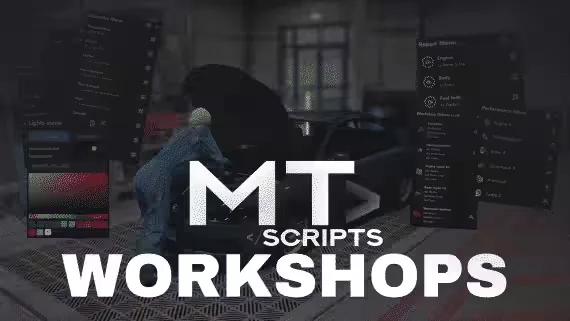
MT-Workshops Mechanic Script
A mechanic script for QBCore and Qbox built around a simple idea: mods are items. Players preview every mod on the vehicle before it goes on, installs consume the required parts, and any mod can be blocked to a certain vehicle class. Workshops and repair stations are created straight from an in-game menu, and there is no cap on how many you run.
Mods and Tuning
- Preview menu: check every mod on the vehicle before installing it
- Mods list: all previewed mods in one place, ready to install
- Item requirements: each mod needs the right items to go on
- Performance items: sorted by class with different levels
- Neons and xenons controller
- Extras menu: enable or disable any vehicle extra
- Crafting: integrated system with its own custom UI, or hand it off to ox_inventory craft
Repairs
- Repair kits: separated into engine and body
- Toolbox: repair the vehicle with items, or check and remove installed performance
- Repair stations: placed as a prop or a zone, locked to a job or open to everyone, with the option to check for online mechanics or charge money instead
Running the Workshop
- Boss menu and integrated cash registers to charge customers
- Workshop shops for selling items
- Duty zones: toggle on and off duty inside the workshop
- Side missions: modify a customer vehicle and earn extra money for the job
- Unlimited workshops and stations, all created in game
Under the Hood
- Real time sync with all players: repairs, mods, performance, lights and more
- Every mod saved to the database
- Clean UI written in TypeScript with React and Mantine
- Secure and optimized code
Dependencies
- ox_inventory
- ox_target
- ox_lib
- oxmysql
- qbx_core, qb-core or es_extended
Pre-configured Locations
Ships ready to use with these MLOs:
- FM Shop Rusty Garage
- Kiiya Auto Shop
- Kiiya LS Customs
- Kiiya Tuner Shop
Product information
Compatibility, delivery and setup
Check these listing details against your server before checkout. The documentation supplied with the download is the source of truth for exact dependencies, file names and configuration.
Compatibility
- Resource type
- FiveM script
- Category
- ESX Scripts
- Creator
- Not listed
Order details
- Price
- $35.00
- Delivery
- Unique download link sent by email after checkout
- Sold by
- CFX Tebex Store Official
- Updates
- Lifetime updates included
Installation checklist
Start with the files and readme included with this product.
-
Match the requirements
This listing names esx, qbcore, qbox support. Check the description and readme for required inventory, target, library, database or map resources.
-
Keep the supplied names and order
Do not guess or rename the resource folder. Use the dependency order, config values, SQL and item definitions supplied in the download when they are present.
-
Start it after its dependencies
Upload the folder to
resources/, then addensure <download-folder>toserver.cfgusing the exact downloaded folder name. -
Test before going live
Start it on a development server, check the console for missing dependencies, then test every action described on this page with the integrations used by your live server.
Write a review
Reviews are moderated before appearing. Purchased the product? Your review gets a VERIFIED badge automatically.


