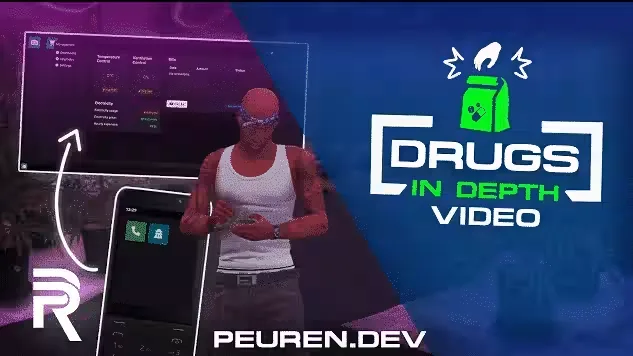
Ultimate Drug Script by Peuren
Ultimate Drug Script covers the whole lifecycle of a drug operation, from buying materials on the dark web to washing the profits through a business. The package ships with four drugs, weed, cocaine, meth and oxy, and every one of them has configurable effects: health boosts, speed increases and special visual effects are all on the table.
Production
- Upgradeable labs: expand your laboratories to streamline production as the operation grows
- Laptop management: run the whole lab from an interactive laptop interface
- Dark web supply: purchase the materials you need securely through the dark web
- Minigames: the manufacturing process is played out through minigames, not a wait screen
Distribution
- Burner phone: one device gives access to the dark web and your entire contact network
- Selling options: move product through street sales, deliveries, or bulk deals with contacts
- Contact system: develop relationships over time to unlock better deals and protection
- Police informants: pay contacts to warn you about police activity in your territories
- Money washing: convert dirty drug money into clean cash through businesses
For Server Owners
- Full customizability: configure every aspect of the script to fit your server
- Detailed documentation: complete guides cover all configuration options
- peuren_lib: compatible with popular FiveM resources through Peuren's shared library
Product information
Compatibility, delivery and setup
Check these listing details against your server before checkout. The documentation supplied with the download is the source of truth for exact dependencies, file names and configuration.
Compatibility
- Resource type
- FiveM script
- Category
- ESX Scripts
- Creator
- Not listed
Order details
- Price
- $20.00
- Delivery
- Unique download link sent by email after checkout
- Sold by
- CFX Tebex Store Official
- Updates
- Lifetime updates included
Installation checklist
Start with the files and readme included with this product.
-
Match the requirements
This listing names esx, qbcore, qbox support. Check the description and readme for required inventory, target, library, database or map resources.
-
Keep the supplied names and order
Do not guess or rename the resource folder. Use the dependency order, config values, SQL and item definitions supplied in the download when they are present.
-
Start it after its dependencies
Upload the folder to
resources/, then addensure <download-folder>toserver.cfgusing the exact downloaded folder name. -
Test before going live
Start it on a development server, check the console for missing dependencies, then test every action described on this page with the integrations used by your live server.
Write a review
Reviews are moderated before appearing. Purchased the product? Your review gets a VERIFIED badge automatically.